For a decade, the web chased perfection — pixel-perfect grids, razor-sharp lines, flawless stock photography, and sterile white interfaces. Then AI arrived and made “perfect” effortless and cheap. When every website can be algorithmically polished, polish stops being a differentiator. What stands out now is humanity: the wobble of a hand-drawn line, the softness of an organic blob shape, the warmth of a texture that looks like it was made by a person.
This is the most significant aesthetic shift in web design in 2026 — and it has deep roots in psychology, culture, and the backlash against AI-generated sameness. In this guide, we break down exactly what this trend is, why it works, which brands are leading the way, and how your business can implement hand-drawn and organic design without sacrificing professionalism.
Why Hand-Drawn & Organic Design Is Rising in 2026
The rise of this trend isn’t accidental — it’s a direct cultural and psychological response to two converging forces: AI-generated design saturation and a decade of over-polished minimalism.
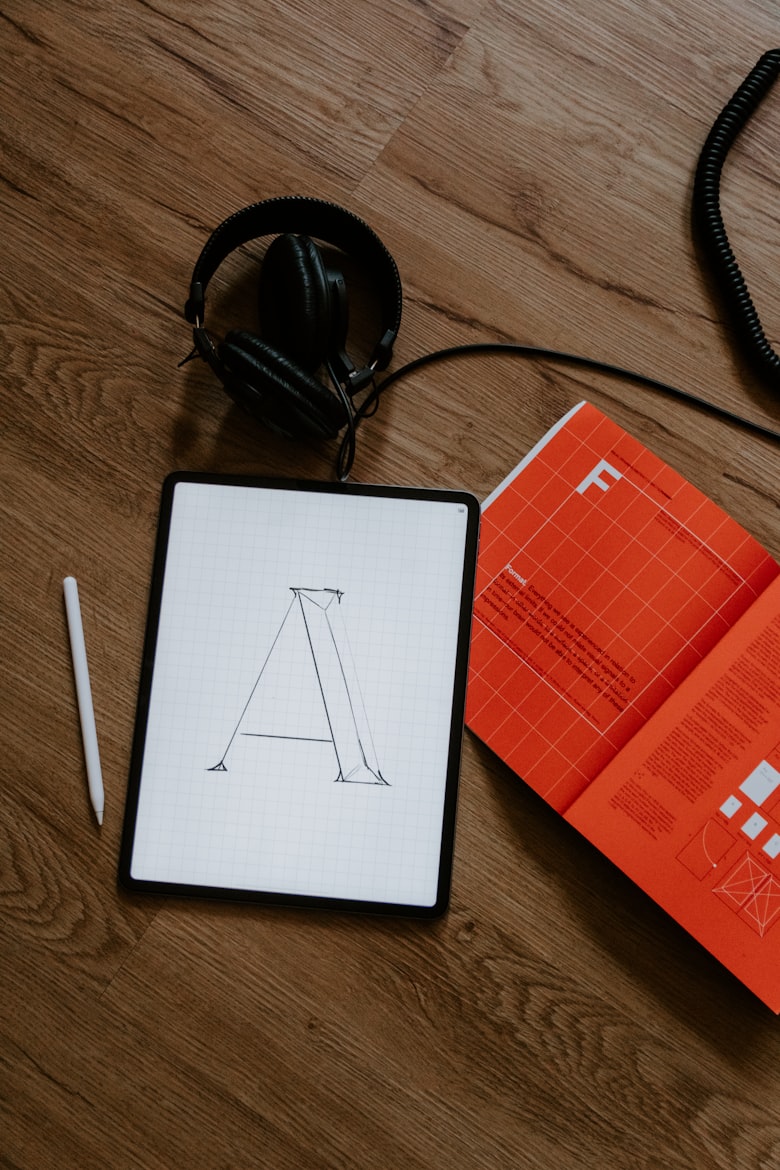
Hand-crafted design elements signal authenticity and human intention — qualities that AI-generated interfaces fundamentally cannot replicate.
The AI Backlash: When Perfect Becomes Generic
Scribbles and hand-drawn writing are making a comeback in 2026 as a rebellious pushback against the perfection of AI — where every image is flawlessly lit and every layout perfectly symmetrical. When AI tools can generate a polished interface in seconds, that level of polish no longer communicates effort, craft, or care. It communicates efficiency. And efficiency, while valuable, doesn’t build emotional connection.
There is a clear shift toward human-centered experiences through hand-drawn elements, expressive typography, organic shapes, and intentional imperfections that counter AI’s sterile perfection. This isn’t nostalgia for the sake of it — it’s a strategic design move that communicates something AI cannot fake: that a real person made intentional choices about how this brand looks and feels.
The Psychology of Imperfection
Humans are wired to trust other humans. A slight irregularity in a line, a shape that doesn’t quite close, a texture that suggests a physical surface — these “flaws” activate the same neural pathways that make us trust a handwritten note more than a typed one. Typography embraces irregularity again, favoring hand-drawn shapes, organic curves, and subtle flaws that add warmth to digital design. These character-rich forms counterbalance the precision of AI-generated visuals.
This is often called the Wabi-Sabi principle in design — the Japanese aesthetic philosophy that finds beauty in imperfection and incompleteness. Applied to web design, it means that a slightly wobbly hand-drawn icon can communicate more brand personality than a perfect vector ever could.
“As more AI-generated designs flood the digital landscape, users gravitate toward spaces that feel handmade. Soft gradients mimic natural light. Organic shapes echo physical materials. These are principles that industrial designers have applied to physical objects for decades — now translated to digital interfaces.” — UXPilot Product Design Trends 2026
The Minimalism Fatigue Factor
Expressive minimalism emerges as a refined web design trend in 2026, blending the clean simplicity of traditional minimalism with subtle, meaningful elements that add warmth and personality. This approach moves beyond stark, empty spaces to incorporate intentional textures, soft organic shapes, and carefully chosen accents that tell a brand’s story without overwhelming the user.
The key word is intentional. This isn’t maximalism replacing minimalism — it’s minimalism growing up and adding soul. Clean layouts stay. But the cold, clinical emptiness is replaced by warmth: a hand-drawn icon here, a fluid background shape there, a paper-grain texture overlaid on a hero image.
What Exactly Are “Organic Shapes” in Web Design?
The term “organic shapes” covers a wide range of design elements — from literal hand-drawn illustrations to blob-shaped UI components to wavy section dividers. Understanding the different categories helps you choose the right application for your brand.
The four main organic shape types used in modern web design: blobs, fluid sections, scribble accents, and wavy dividers.
The Four Main Categories
| Type | What It Looks Like | Best Used For |
|---|---|---|
| Blob shapes | Asymmetric, amoeba-like filled shapes | Backgrounds, image frames, decorative accents |
| Wavy / fluid dividers | SVG curves replacing straight horizontal section breaks | Transitions between page sections |
| Hand-drawn illustrations | Custom sketched icons, characters, or scenes | Hero sections, empty states, feature callouts |
| Scribble / doodle accents | Underlines, circles, arrows in a sketch style | Highlighting key words, CTAs, social proof |
Organic Shapes vs. Geometric Shapes
Organic shapes are asymmetrical, soft, fluid, and loosely structured. They often mimic forms found in nature, like leaves, waves, or stones. They add movement, softness, and a human touch to digital layouts. Geometric shapes — squares, circles, precise triangles — communicate structure, order, and precision. Organic shapes communicate nature, creativity, and warmth.
Designers are increasingly using organic shapes in contrast with geometric forms, bright colors, and futuristic textures to achieve a modern, dynamic look. The most sophisticated implementations don’t choose one or the other — they use the contrast between the two to create visual tension and hierarchy.
How Real Brands Are Using It — Mailchimp, Slack & More
The most convincing evidence for any design trend is seeing how the world’s best-known brands apply it. Hand-drawn and organic design isn’t a niche aesthetic for indie studios — it’s being used strategically by major brands across every industry.

Leading brands like Mailchimp and Slack have built iconic brand identities around hand-drawn illustration and organic visual language.
Mailchimp — Illustration as Brand Identity
Mailchimp takes a different route. Its bold, character-driven artwork has become a defining part of its identity. Instead of using subtle accents, Mailchimp embraces playful, sometimes surreal illustrations that immediately grab attention. This creative style reinforces the brand’s reputation as innovative and approachable, while ensuring the site feels unmistakably “Mailchimp.”
The lesson here is consistency. Mailchimp’s illustrated characters appear across their homepage, onboarding flow, error pages, and email campaigns. The organic visual language is a core brand asset — not a decorative afterthought. Users recognize a Mailchimp touchpoint instantly because of it.
Slack — Warmth in a Technical Product
Slack’s product interface often features light, hand-drawn illustrations with soft colors and simple shapes. These visuals add warmth to a tool that could otherwise feel technical and dry, making collaboration seem friendlier and less intimidating.
This is one of the most powerful applications of the trend: using organic design to humanize a product that deals in data, notifications, and workflow management. The hand-drawn elements aren’t there to be “cute” — they’re doing strategic work, lowering the emotional barrier to using a complex tool.
Adaline — Organic Shapes in the Product Interface Itself
When you hit Adaline’s homepage, you get a serene, hand-painted landscape in muted earth tones. Then you move into the web app, and that same restrained aesthetic carries through. The natural landscape illustration, the organic shapes in the charts, the earthy green instead of bright blue. Everything is stark minimalism but with warmth.
Adaline demonstrates the most sophisticated application: carrying organic design language through from the marketing site into the product UI itself, creating a seamless brand experience across the entire user journey.
The Pattern Across All Three
What Mailchimp, Slack, and Adaline share is that their organic design choices are systematic, not random. The shapes, illustrations, and textures are built into a design system with consistent rules for color, line weight, and application. That’s what separates effective organic design from amateur decoration.
How to Implement It on Your Business Website
You don’t need a full illustration team or a six-month redesign project to introduce organic design to your website. Here’s a practical, layered approach — from the simplest changes to the most impactful.
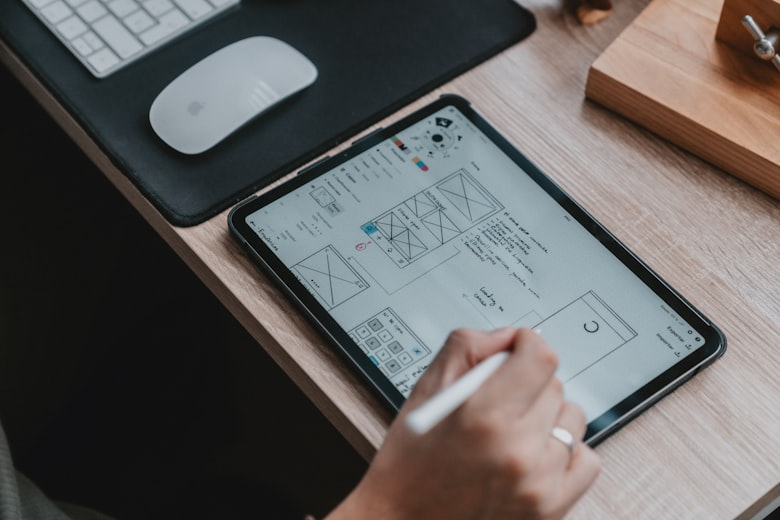
Even small organic touches — a wavy divider, a blob image frame, a hand-drawn icon set — can dramatically shift the warmth and personality of a site.
Level 1 — Quick Wins (1–2 Hours)
- Swap straight section dividers for SVG waves — tools like GetWaves.io generate free, customizable wavy SVG dividers in seconds
- Add a blob background to your hero image — place your headshot or product photo inside a blob shape mask instead of a rectangle using CSS
clip-path - Use scribble underlines on key headline words — a simple SVG squiggle under your primary CTA word dramatically increases visual attention
- Add a paper grain texture overlay — a 3–5% opacity PNG noise texture over flat color sections adds depth and tactility with virtually no performance cost
Level 2 — Moderate Effort (1–2 Days)
- Replace stock photos with illustrated scenes in your hero or about section — services like unDraw offer free, customizable open-source illustrations
- Build blob-shaped image frames for team photos, testimonials, and service icons using CSS
clip-path: polygon()or SVG masks - Replace icon sets with hand-drawn alternatives — Flaticon’s hand-drawn collection and Handz offer illustrated icon packs
- Add organic shape backgrounds to feature sections — large, low-opacity blob shapes in your brand color placed behind feature cards add depth without competing with content
Level 3 — Full Implementation (1–2 Weeks)
- Commission a custom hand-drawn illustration for your hero section that tells your brand story visually
- Experiment with SVG-powered masks and shape dividers to break away from rigid grids and create smooth, fluid transitions between sections
- Build a consistent organic design system: define your blob shapes, line weights, and illustration style rules so every page feels cohesive
- Add subtle motion to organic designs with scroll effects to make curved shapes or gradient layers shift gently as users scroll or hover, creating a natural rhythm that brings layouts to life without distracting from the content
CSS Blob Frame: A Quick Implementation Example
Here’s how to frame an image inside an organic blob shape using pure CSS — no JS or SVG required:
.blob-image {
  width: 320px;
  height: 320px;
  object-fit: cover;
  clip-path: polygon(
    30% 0%, 70% 0%, 100% 30%,
    100% 70%, 70% 100%, 30% 100%,
    0% 70%, 0% 30%
  );
  /* For a rounder, more organic feel: */
  border-radius: 60% 40% 30% 70% / 60% 30% 70% 40%;
  transition: border-radius 4s ease-in-out;
}
.blob-image:hover {
  border-radius: 40% 60% 70% 30% / 40% 50% 60% 50%;
}border-radius between two organic values on a loop (using @keyframes) creates a subtle “breathing” blob effect that is hypnotically engaging and requires zero performance overhead. It’s one of the most impactful micro-animations you can add with just a few lines of CSS.
The Best Tools for Hand-Drawn & Organic Web Design
You don’t need to be an illustrator to bring organic design to your site. The ecosystem of tools in 2026 makes it easier than ever to generate, customize, and implement organic shapes and hand-drawn elements.
Shape & SVG Generators
- GetWaves.io — Free SVG wave generators for section dividers, fully customizable color and complexity
- Blobmaker.app — Generate random organic blob shapes as SVG with one click; download or copy CSS
- ShapeDivider.app — Advanced section dividers: waves, triangles, curves, zigzags — exports clean CSS code
- Clippy (Bennett Feely) — Visual CSS
clip-pathgenerator — drag to create any organic polygon mask for images
Illustration Libraries
- unDraw — Open-source SVG illustrations, recolorable to your brand hex in one click — completely free
- DrawKit — Premium hand-drawn illustration packs with consistent style across categories
- Storyset by Freepik — Animated and static illustrations, free tier available, highly customizable
- Humaaans — Mix-and-match people illustration library; great for teams, services, and about pages
Texture & Grain Overlays
- Grainy Gradients — CSS-only noise texture generator — paste one gradient into your CSS for instant organic texture
- Transparent Textures — Free paper, canvas, linen, and grain PNG overlays for backgrounds
Design Tools With Strong Organic Support
- Figma — Vector pen tool + plugins like “Blobs” and “Noise & Texture” make organic design fast
- Webflow — Native SVG shape support and CSS clip-path builder; ideal for no-code organic layouts
- WordPress + Elementor — Shape dividers, blob widgets, and SVG background support built into the page builder
What to Avoid: Keeping It Professional, Not Childish
The biggest fear business owners have about hand-drawn design is that it will make their site look amateurish or untrustworthy. That fear is valid — because done wrong, it can. Here’s how to make sure you stay on the right side of that line.
Mistake #1 — Mismatched Illustration Styles
Using a bold cartoon illustration in your hero section alongside a thin-line icon set in your features section and a photorealistic stock image in your testimonials creates visual chaos. Pick one illustration style and one line weight — and stick to them throughout the entire site. Consistency is what makes organic design look intentional rather than cobbled together.
Mistake #2 — Too Many Shapes Competing for Attention
A blob behind your hero image, a wavy divider, floating organic shapes in the background of your features section, AND scribble underlines on your headlines — used all at once, these elements fight each other. Start subtle with curved section dividers and soft shadows before attempting fully asymmetrical compositions. One strong organic element per section is almost always more effective than three competing ones.
Mistake #3 — Choosing Illustration Styles That Don’t Match Your Industry
A dental practice, a law firm, or a financial advisor using bright cartoon characters with exaggerated proportions will undermine professional trust. Organic design doesn’t require playful cartoons — it can mean clean, minimal line-art illustrations in muted tones, subtle blob backgrounds in your brand color, or simple scribble accents on key call-to-action phrases. Match the energy of the organic style to the energy of your brand.
Mistake #4 — Ignoring Performance
Complex SVG illustrations with hundreds of nodes, unoptimized PNG textures, and multiple layered blob animations can add significant load time to a page. Always optimize SVGs using SVGOMG before adding them to your site. Aim to keep decorative SVGs under 5KB and texture overlays under 50KB. Beautiful organic design should never cost you page speed.
Mistake #5 — Applying It to the Entire Site Equally
Organic design elements work best as accents within a structured layout — not as a replacement for structure altogether. Your navigation, pricing tables, contact forms, and data-heavy pages should remain clean and geometric. Reserve the organic shapes, textures, and illustrations for hero sections, feature highlights, testimonials, and about pages — the emotional, story-telling parts of your site.
Frequently Asked Questions
Is hand-drawn web design right for professional services businesses?
Yes — but the execution matters. Law firms, financial advisors, and healthcare providers should use restrained organic elements: subtle blob shapes in a neutral brand color, clean line-art icons, minimal texture overlays. Avoid cartoonish characters or highly saturated colors. The goal is warmth and approachability, not playfulness. Even the most conservative professional brand benefits from the trust signal of hand-crafted, intentional design.
Do organic shapes affect website loading speed?
They can if implemented poorly. SVG shapes are inherently lightweight — a simple blob shape is typically under 1KB. The risk comes from complex multi-node SVG illustrations, unoptimized PNG textures, and CSS animations on mobile devices. Always run SVGs through SVGOMG to reduce file size, use CSS blob animations sparingly on mobile (via the prefers-reduced-motion media query), and test your page speed with Google PageSpeed Insights after adding organic elements.
Where can I get free hand-drawn illustrations for my website?
The best free resources in 2026 are unDraw (open-source, recolorable SVGs), Storyset by Freepik (animated and static, free tier), and Humaaans (mix-and-match people illustrations). For hand-drawn icon sets, look at Flaticon’s hand-drawn collection and the Phosphor Icons library which includes outlined and hand-drawn variants. All are free for commercial use with attribution.
What’s the difference between organic shapes and biophilic design?
Biophilic design is a broader design philosophy that incorporates nature — plants, natural light, water, and organic materials — into physical and digital spaces to improve wellbeing. Organic shapes are one tool within that philosophy. Organic shapes are asymmetrical, soft, fluid, and loosely structured — they often mimic forms found in nature, like leaves, waves, or stones, and add movement, softness, and a human touch to digital layouts. Biophilic web design would also include earthy color palettes, botanical imagery, and natural textures like wood grain and linen.
How do I add a wavy section divider to my WordPress website?
The easiest method is using Elementor’s built-in Shape Divider feature — go to any Section settings → Shape Divider tab, select “Wave” or “Curved,” set your color, and it generates the SVG automatically. Alternatively, create a custom wave at GetWaves.io, download the SVG, and add it as a background image or inline SVG between sections. For Gutenberg users, the GenerateBlocks plugin offers organic shape dividers natively in the block editor.
Keep Reading: More From BuildPRO Business Services™
Expand your 2026 web design knowledge with these related guides:
- Top Web Design Trends for 2026: Bento Grids, Kinetic Typography, Glassmorphism & AI
- Bold Colors Are Back: How to Use Vibrant Palettes Without Overwhelming Users
- 10 Website Conversion Tricks That Actually Work in 2026
- SEO for Small Businesses in 2026: What Still Works
- Our Web Design Services for Virginia Beach Entrepreneurs
Sources: TheeDigital Web Design Trends 2026 · Digital Synopsis Graphic Design Trends 2026 · UXPilot Web Design Trends 2026 · Haddington Creative 2026 · Behance Design Trends 2026 · Envato Organic Design Trends · Elementor Web Design Trends 2026 · UXPilot Product Design Trends · RSA Creative Studio — Organic Shapes